Adventures in Game Dev
  • Home
  • Home

Colored Hexagons

3/11/2019

0 Comments

 
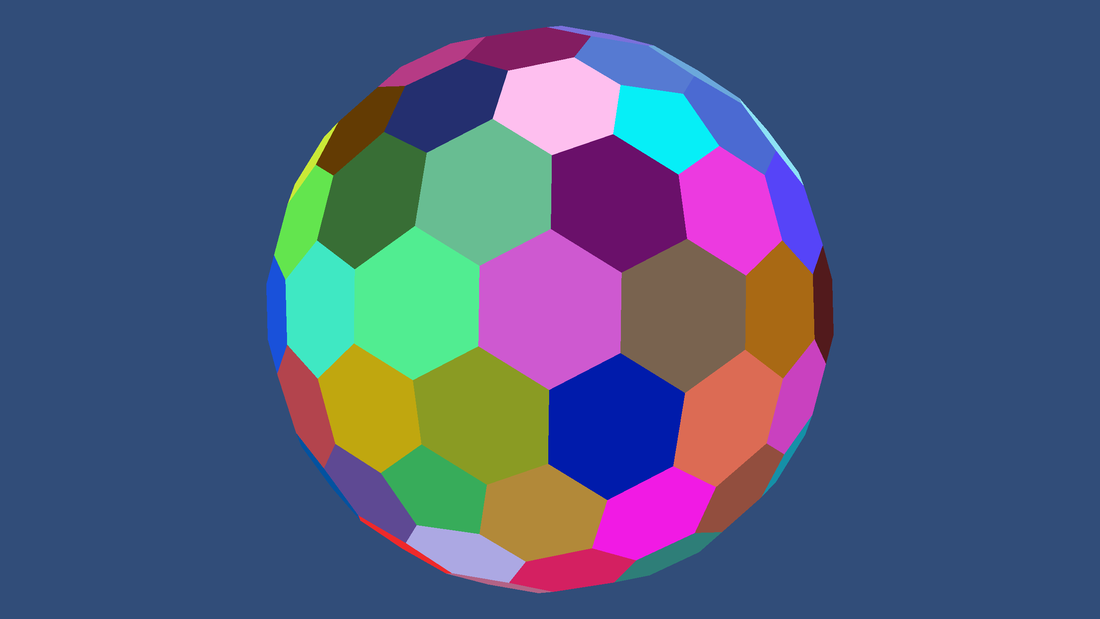
Color is a nice thing. It makes life more interesting and, in general, thinks look better with some of it. We will eventually use color to represent different types of terrain. But first let's just use a random color for each hexagon cell. 
Picture
This looks nice, but to do anything more we first need to look at how all this works. When we are constructing a mesh really we're just sending a bunch of arrays to the graphics card. The two most important are the positions of the vertices and how they are connected. This is what we did last time. It gives a 3d object that we can work with. But if you want to give the object texture or color you need to also send that data to the graphics card. Texture can get complicated so we'll deal with that later. But color is simple, we can just give each vertex its own color. If we want each cell to have its own color then all the vertices in that cell must have the same color. This means that we can't share vertices on the edge of cells. Thankfully we can afford to have those extra vertices.

So how do we construct each cell? Well, we know the position of the cell's center and corners. But we can't just tell the graphics card to draw a hexagon. See graphics cards aren't actually that smart, for our purposes they're really only good at drawing triangles. So we need to break down our cell into triangles. Easy enough, just make a triangle between the cell center and one of it's edges. Then repeat this for each edge.
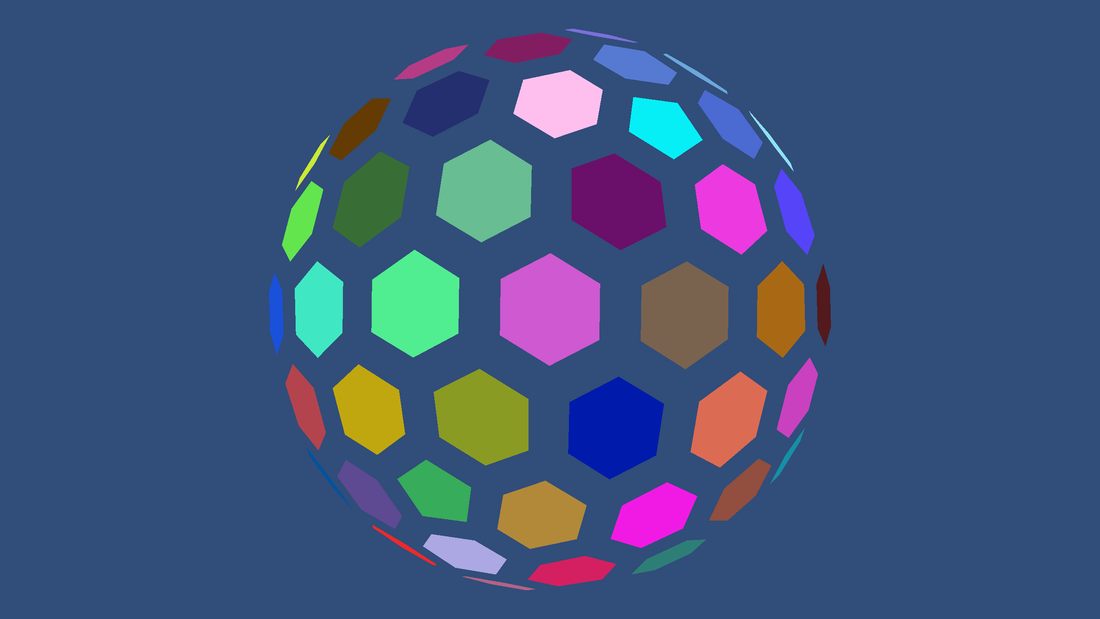
Well this looks nice, and it works well. But remember, we eventually want to use this color to represent different types of terrain. More often than not different types of terrain don't have hard boarders between them. So we want to smoothly blend the terrain color between cells. But we still want each cell to have a defined color. We'll do this by scaling down the size of each cell, in this case each cell is 70% of it's original size. This gives each cell a smaller solid region in it's center.
Picture
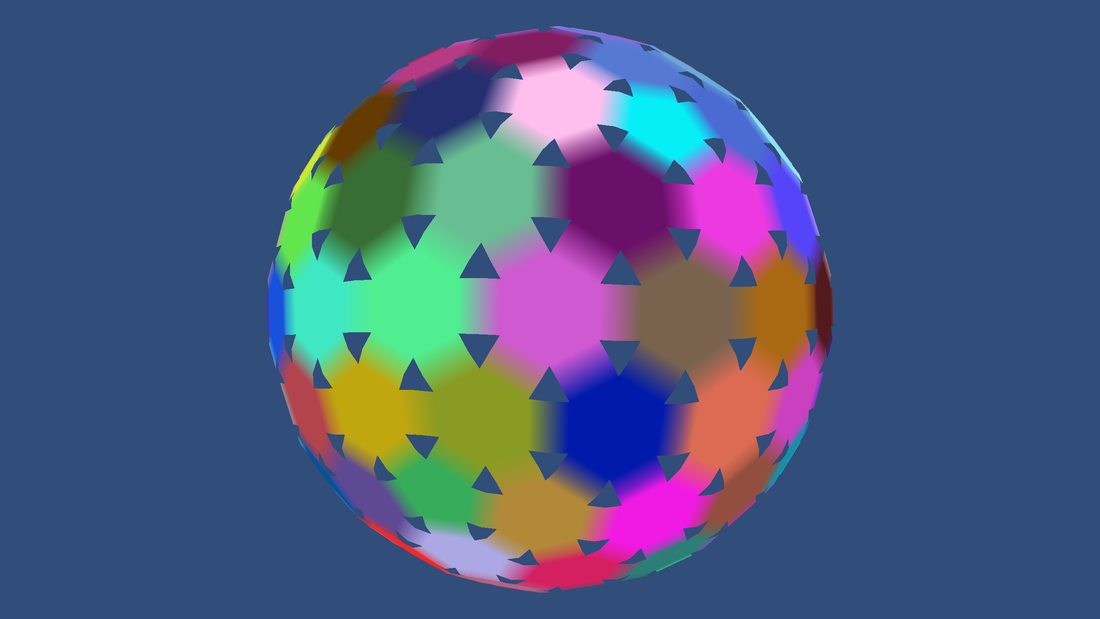
Now it's time to connect the cells. We'll add a rectangle (created from two triangles) to bridge between our cell and it's neighbor. It will reach halfway to the neighboring cell. When we add the color to this rectangle the two vertices near the cell are the same color as the cell. But the two that are far away are the average of the cell's color and the cell's neighbor's color. If we do this for every cell then most of the work is done.
Picture
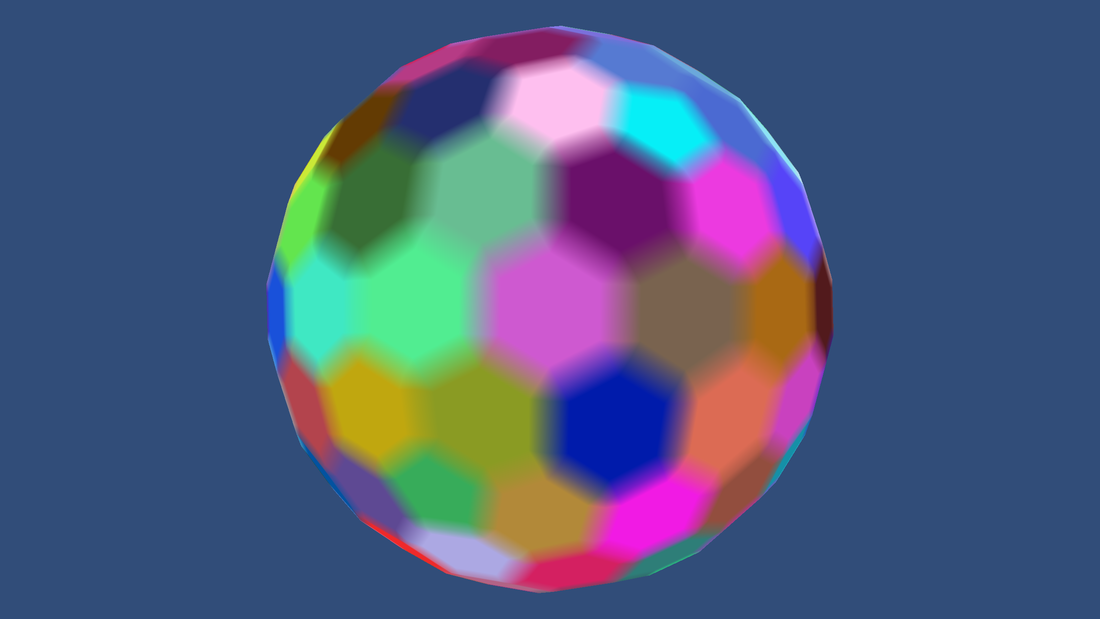
Now there's only a couple triangles left to fill before the color blends nicely. Unfortunately we can't just draw simple triangles to fill the holes. There are two reasons for this. First, when we give the cells different heights later we'll need a more complicated solution. Second, this also lets us make the sphere look smoother. Instead, for each cell corner we'll draw two triangles per cell. The first will connect the cell corner and the two nearby bridge corners. The second will connect the two bridge corners and the center of the hole. We color them similarly to how we did before. 
Picture
Now we have a nicely colored sphere. We can adjust the amount of blending to whatever we want and it will still look nice. The next thing to do is to give different heights to the cells. But that's a job for another time.
0 Comments


Leave a Reply.

    Archives

    February 2019

    Categories

    All

    RSS Feed

Powered by Create your own unique website with customizable templates.